Trézor Bridge® | Introducing the New Trezor® App
Visit Trezor Bridge to understand how it connects your Trezor device with compatible wallet interfaces on your computer.
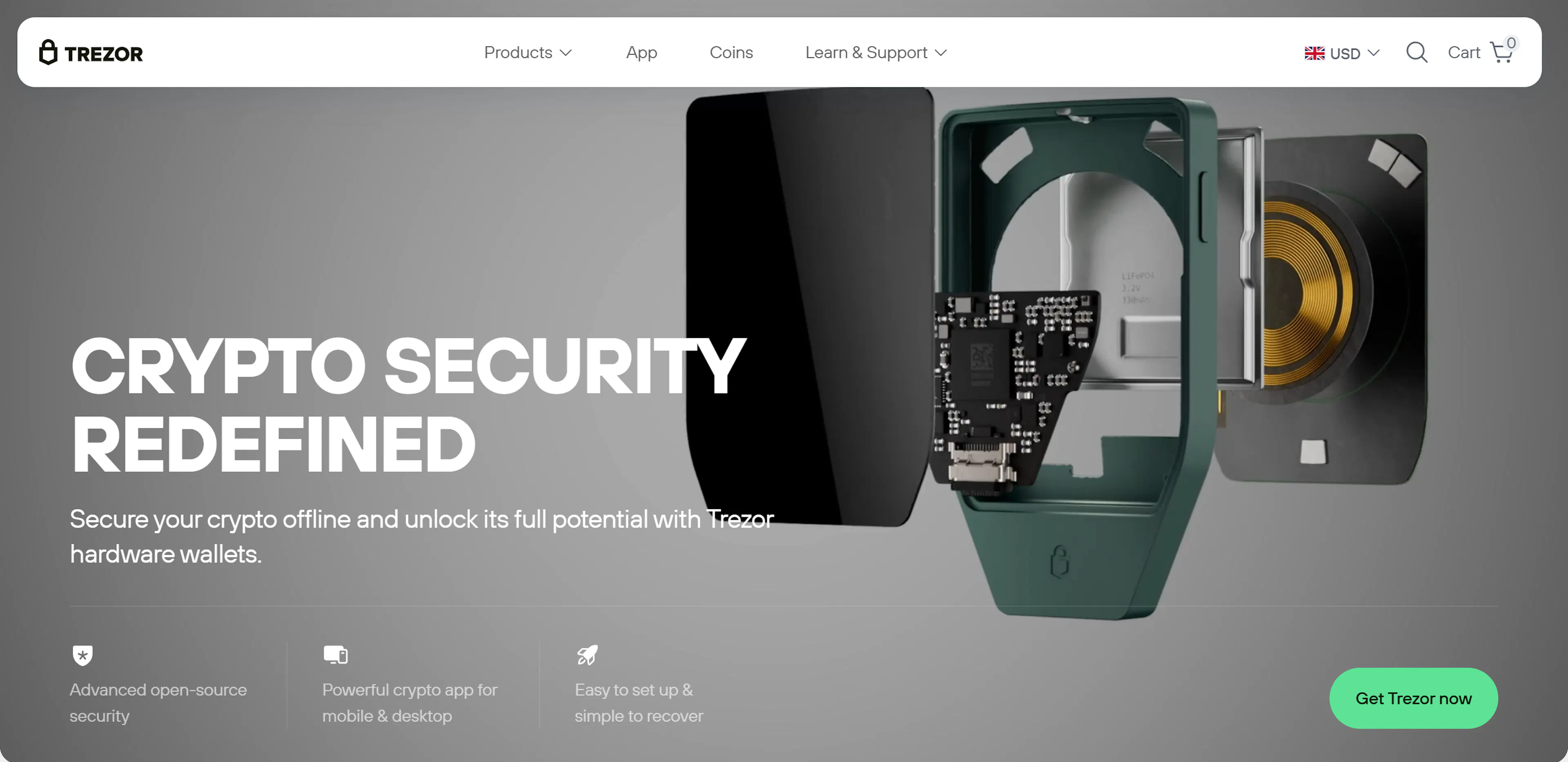
Trezor Bridge: Complete Guide to Device Connectivity, Setup, and Secure Wallet Management
Introduction to Trezor Bridge
Trezor Bridge is a communication component originally developed to help compatible web browsers communicate with Trezor hardware wallets. It played an important role in connecting physical wallet devices with browser-based cryptocurrency management tools.
For users exploring Trezor wallet setup, understanding Trezor Bridge can help explain how hardware wallets communicate with computer applications and why secure device connectivity matters.
It is important to understand that Trezor Bridge is a legacy component. Trezor's current setup guidance centers on Trezor Suite and its supported connection methods rather than treating Bridge as a standalone application that every user must install.
What Is Trezor Bridge?
Trezor Bridge is software designed to facilitate communication between a Trezor hardware wallet and compatible browser-based interfaces.
A hardware wallet stores sensitive private-key information within the physical device. Communication software helps the computer recognize the connected wallet and exchange the information needed for supported wallet operations.
Historically, Trezor Bridge helped provide this connection between the device and supported web applications.
Why Was Trezor Bridge Developed?
Connecting a hardware wallet to a computer requires a communication method that allows compatible software to recognize the device.
Trezor Bridge was developed to support this process. Its role included:
- Helping compatible browsers detect connected Trezor devices.
- Supporting communication between the wallet and computer.
- Enabling compatible web interfaces to interact with the hardware wallet.
- Supporting device-related operations through compatible software.
- Helping users access wallet management features.
Today, users should follow Trezor's current official setup instructions instead of searching for an old standalone Bridge installer.
Is Trezor Bridge Still Required?
Legacy software – deprecated
Standalone Trezor Bridge is no longer supported as the recommended connection solution. Trezor advises users to uninstall the standalone version because it may interfere with future Trezor Suite releases.
Trezor+1
Modern Trezor Suite uses updated device communication methods. Depending on your browser and operating system, you can use:
- Trezor Suite Desktop: The desktop application for managing a compatible Trezor device.
- Trezor Suite Web: The browser-based version, using supported browser communication such as WebUSB.
For current setup instructions, visit the official Trezor Suite page.
Trezor+1
How to Connect Your Trezor Device Today
If you are setting up a Trezor hardware wallet, follow these general steps:
Step 1: Visit the Official Setup Page
Open https://trezor.io/start and select your hardware wallet model.
Step 2: Access Trezor Suite
Follow the instructions to download the desktop application or open the supported web version.
Step 3: Connect Your Hardware Wallet
Use a compatible USB cable and connect your device to your computer.
Step 4: Follow Device Instructions
Unlock your device and complete any required firmware installation or update.
Step 5: Access Your Wallet
Follow the official instructions to create a new wallet or recover an existing wallet using your secure backup.
Step 6: Verify Your Connection
Make sure Trezor Suite recognizes your device before proceeding with wallet management.
Benefits of Trezor Suite
Trezor Suite provides several useful tools for managing supported digital assets.
- Account Management: Organize supported cryptocurrency accounts.
- Portfolio Overview: Review account balances and portfolio information.
- Transaction History: Monitor previous transfers and account activity.
- Receiving Assets: Generate receiving addresses for supported cryptocurrencies.
- Sending Assets: Prepare transactions and verify details before approval.
- Device Management: Access compatible device settings and firmware guidance.
Feature availability depends on your Trezor model and supported cryptocurrency networks.
Security Tips for Trezor Users
A secure connection is important, but protecting your wallet backup is equally essential.
- Download Trezor software only from official resources.
- Never share your recovery seed with anyone.
- Do not enter recovery words into unfamiliar websites.
- Verify receiving addresses on your hardware wallet screen.
- Keep your computer and wallet software updated.
- Avoid unofficial Bridge installers and suspicious download links.
- Follow official instructions when updating device firmware.
Important: Your recovery seed can provide access to your cryptocurrency. Never disclose it to someone claiming to offer technical support.
Troubleshooting Trezor Connection Problems
If your device is not detected, try these basic checks:
USB Connection: Check that your cable supports data transfer and is properly connected.
Browser Compatibility: If using Trezor Suite Web, use a supported, up-to-date browser.
Software Updates: Make sure you are using the latest supported version of Trezor Suite.
Legacy Bridge Conflicts: If standalone Trezor Bridge is still installed, consult Trezor's official instructions about removing it.
Device Recognition: Disconnect and reconnect the hardware wallet, then follow the connection prompts.
For detailed guidance, visit the official Trezor Bridge deprecation and removal guide.
Trezor+1
Frequently Asked Questions
1. What is Trezor Bridge?
Trezor Bridge is legacy communication software that helped browsers and compatible applications communicate with Trezor hardware wallets.
2. Is Trezor Bridge still supported?
No. The standalone version has been deprecated, and Trezor recommends uninstalling it.
3. What should I use instead of Trezor Bridge?
Use the current Trezor Suite desktop application or a supported browser connection method.
4. Do I need Trezor Bridge to use Trezor Suite?
Most users should follow the current Trezor Suite connection instructions rather than installing standalone Bridge.
5. Where can I find official Trezor setup instructions?
Visit https://trezor.io/start for device setup and https://trezor.io/support for additional assistance.
Conclusion
Trezor Bridge played an important role in connecting Trezor hardware wallets with compatible browsers and applications. However, the standalone software is now deprecated, and users should follow Trezor's current connection recommendations.
For a modern setup experience, use the official Trezor Suite application, follow device-specific instructions, and maintain good wallet security practices.